What Is Synthesia AI?
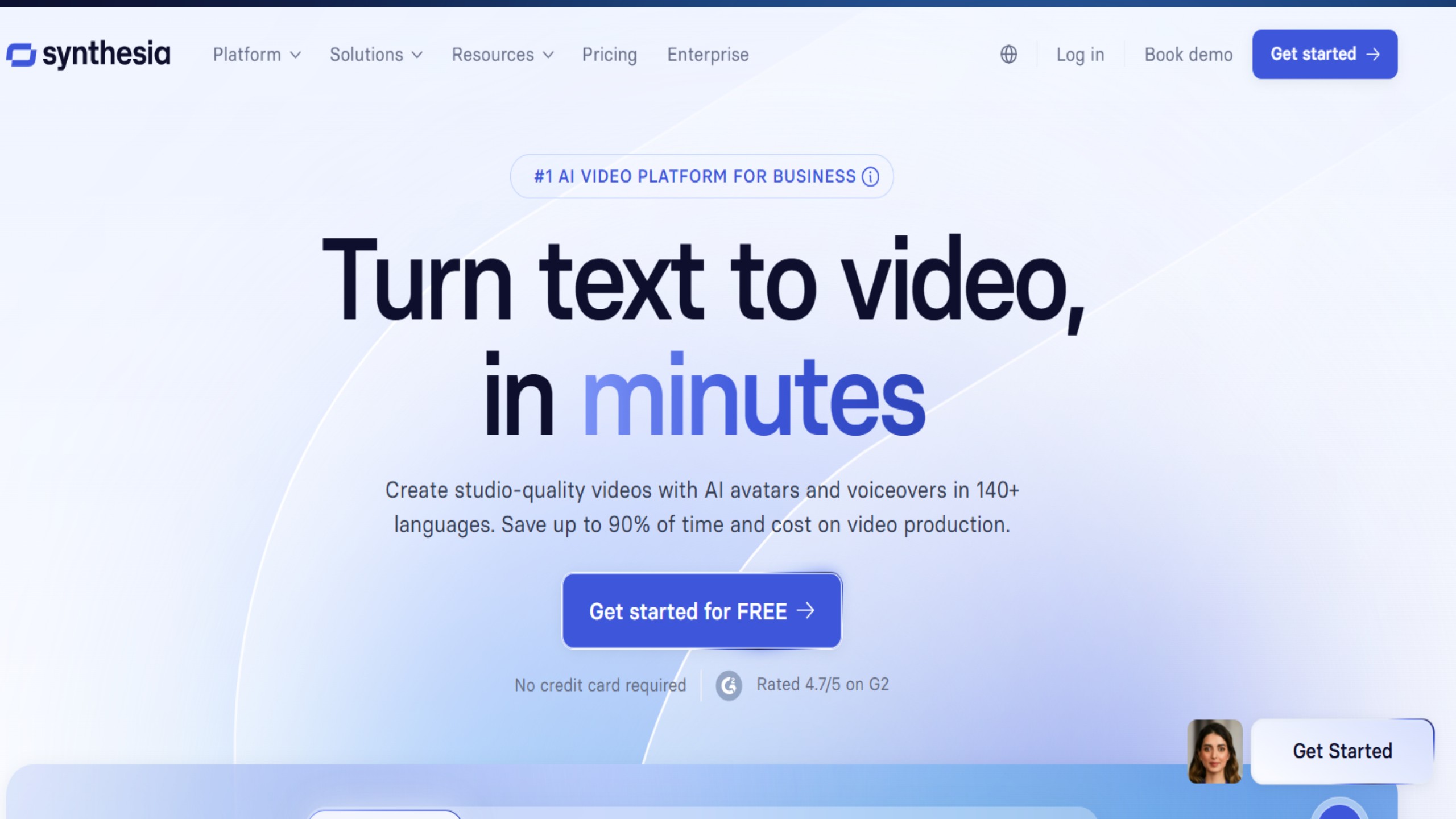
Synthesia AI is a cloud-based video generation platform that transforms written text into high-quality videos using artificial intelligence. It eliminates the need for traditional video production equipment by using AI avatars and synthetic voices to deliver your script naturally on screen.
In simple terms, you write a script, choose an avatar and voice, and within minutes you get a ready-to-use video—whether it’s for training, marketing, education, or content creation. The goal is to help individuals and businesses create videos faster, cheaper, and at scale.
What Does Synthesia Do?
Synthesia uses advanced AI models to generate lifelike human avatars that speak your words in multiple languages with realistic lip movements and voice tones. It acts as an all-in-one AI video studio—combining voiceover generation, on-screen avatars, subtitles, templates, and editing tools—allowing you to produce entire videos directly from your web browser.
You can create tutorial videos, marketing promos, onboarding clips, internal communication messages, or social media videos without ever picking up a camera. It’s a dream come true for creators who want to save time while maintaining professional standards.
Key Features of Synthesia AI
1. AI Avatars and Voices
Synthesia offers a large library of realistic digital presenters called “avatars.” These avatars mimic real human expressions and gestures while speaking your script. You can select from a variety of ethnicities, genders, and presentation styles.
It also supports more than 140 languages, letting you create localized content for global audiences. For a personal touch, you can even create a custom avatar and clone your own voice, so it looks and sounds like you’re speaking—without needing to film yourself.
2. AI Video Editor
The platform includes a simple yet powerful AI video editor. You just paste your text, choose a voice and avatar, select a template, and generate your video. You can easily adjust scenes, add images, background music, text overlays, or company branding.
Unlike traditional editing tools, you can later modify your video’s script or design without starting over—perfect for keeping content up to date.
3. 1-Click Video Localization
A standout feature is Synthesia’s one-click video localization. You can translate your video into dozens of languages instantly. The avatar’s voice and lip movements automatically adapt to the new language, creating a natural, native-sounding version of your video.
This is a game-changer for global brands and educators reaching multilingual audiences.
4. Branding and Templates
Businesses can apply consistent branding across all their videos with pre-made templates, color palettes, and logo placements. It’s especially handy for maintaining professional visual identity across training or marketing campaigns.
5. Collaboration Tools
For teams, Synthesia allows collaboration on projects—multiple users can edit, review, and finalize videos together, making it a suitable tool for large organizations and agencies.
6. Analytics and Performance Tracking
Some plans include performance analytics, letting you track engagement metrics such as view counts and audience retention, so you can refine your future content strategy.
Who Uses Synthesia AI?
Synthesia caters to a wide range of users across industries:
-
Corporate Training Departments – Used to create training, onboarding, and compliance videos quickly without hiring videographers or translators.
-
Marketing Teams – Ideal for product demos, promotional videos, explainer content, and global ad campaigns.
-
Freelancers – Enables solo creators to produce high-quality videos for clients without outsourcing production.
-
Content Creators and YouTubers – Useful for turning blog posts, tutorials, and social content into professional videos in any language.
-
Educators and Coaches – Great for creating e-learning modules and instructional videos at scale.
-
HR and Internal Communication Teams – Perfect for announcements, policy explainers, and company updates across regions.
Synthesia AI Pricing
Synthesia offers several pricing tiers designed for different users:
-
Personal Plan – Ideal for individuals and freelancers. It allows a limited number of video credits per month, access to avatars, templates, and multilingual support.
-
Corporate or Enterprise Plan – Built for larger teams and organizations. It includes advanced collaboration tools, custom avatars, API access, and analytics.
-
Custom Business Solutions – Enterprises can request tailored plans including branded avatars, security controls, and dedicated account support.
While the exact pricing depends on your subscription level, most users find the value fair compared to the cost of traditional video production. However, advanced features like voice cloning and custom avatars can add to the price.
Pros and Cons of Synthesia AI
Pros
-
Incredible Speed: Create polished videos in minutes instead of days.
-
Multilingual Support: Translate videos instantly into 140+ languages.
-
Cost-Effective: No need for actors, studios, or expensive editing software.
-
Professional Look: Clean templates, realistic avatars, and corporate-ready output.
-
Easy to Use: Beginner-friendly interface; no technical or editing skills required.
-
Consistent Updates: Videos can be easily edited or localized later.
Cons
-
Limited Realism: While avatars are impressive, they still lack full human expressiveness and emotional depth.
-
Premium Costs: Advanced tools like custom avatars and voices are available only on higher-tier plans.
-
Creative Restrictions: The design options and camera angles are somewhat limited compared to full video production.
-
Occasional “AI Feel”: Depending on the voice and language, some videos may still sound slightly robotic.
-
Ethical Concerns: As with any AI video tool, there are ongoing debates about authenticity and potential misuse.
Rating Breakdown
| Category | Rating (Out of 5) | Notes |
|---|---|---|
| Ease of Use | ⭐⭐⭐⭐½ | Extremely user-friendly, even for beginners. |
| Features & Flexibility | ⭐⭐⭐⭐½ | Covers all essentials from avatars to localization. |
| Video Quality | ⭐⭐⭐⭐ | Excellent quality, though slightly behind real filming. |
| Speed & Efficiency | ⭐⭐⭐⭐⭐ | One of the fastest text-to-video tools available. |
| Localization | ⭐⭐⭐⭐⭐ | Best-in-class multilingual support. |
| Value for Money | ⭐⭐⭐⭐ | Worth it for businesses; costly for solo hobbyists. |
| Innovation | ⭐⭐⭐⭐½ | Continually improving with new avatars and features. |
Overall Rating: 4.3 / 5
Alternatives to Synthesia AI
If you’re exploring options, a few notable alternatives include:
-
HeyGen: Offers similar text-to-video capabilities with slightly different avatars and pricing.
-
DeepBrain AI: Focuses more on realistic news-style presenters.
-
Pictory and Veed.io: Great for turning existing videos or articles into shorter clips, though not as strong in avatar realism.
-
Tavus: Strong personalization tools for video marketing automation.
Each has unique strengths, but Synthesia remains the leader in reliability, language support, and avatar quality.
Final Verdict
Synthesia AI represents a major leap forward in video creation technology. It’s fast, efficient, and surprisingly powerful for both individuals and companies. With its lifelike avatars, multilingual support, and simple text-to-video workflow, it allows anyone to produce professional-grade videos without technical expertise.
For corporate teams, it’s an invaluable tool for training, communication, and global campaigns. For content creators and freelancers, it’s a time-saver that opens up new creative possibilities. While it may not replace a full film crew for cinematic projects, it’s an outstanding solution for the vast majority of business and educational video needs.