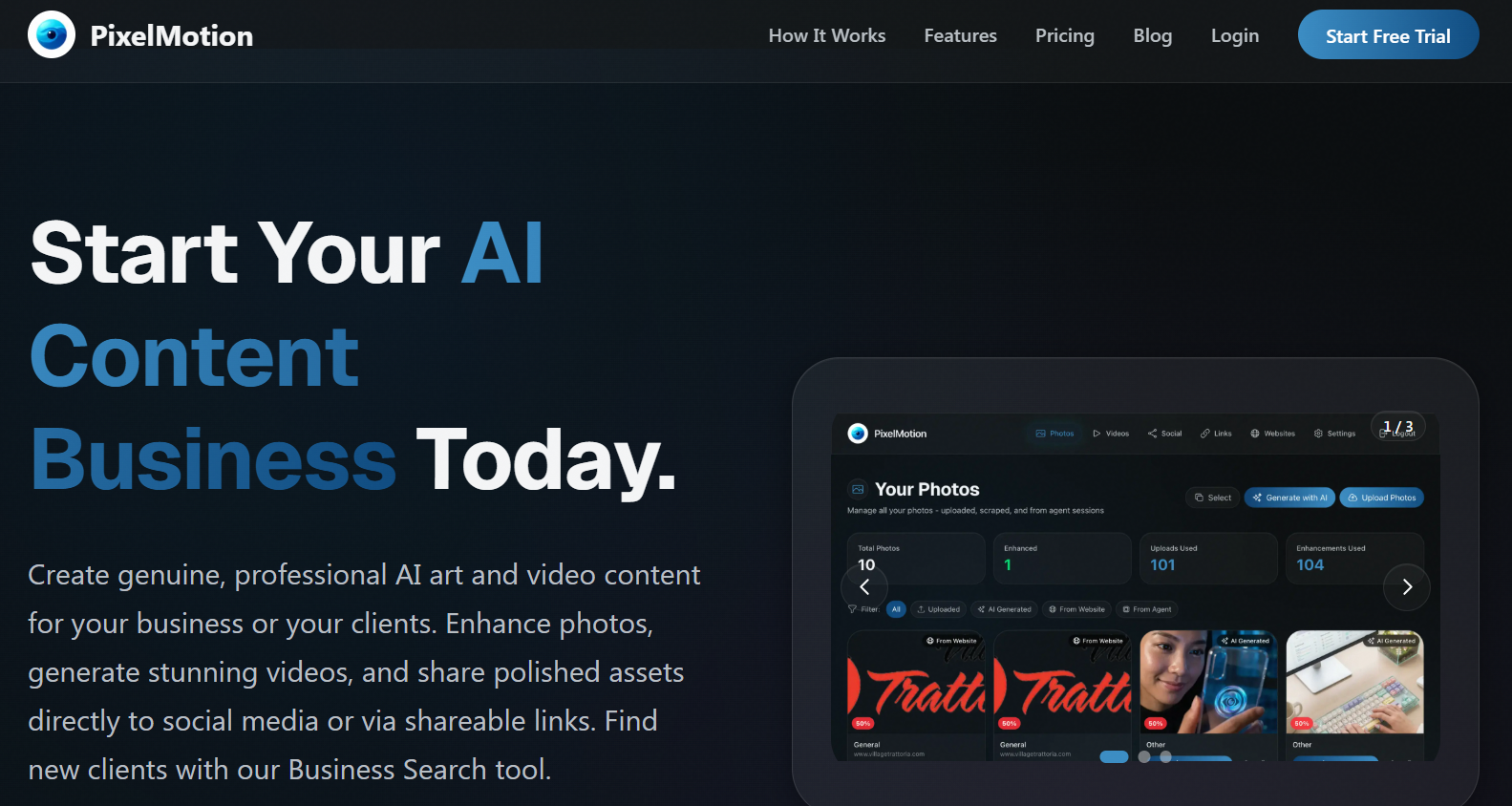
In today’s fast-moving digital world, attention is the real currency. Static images still work, but video content dominates social media, ads, and websites. The problem? Creating videos takes time, skills, and expensive software. This is exactly where PixelMotion steps in.
PixelMotion is a new AI-powered content creation tool designed to transform web images and photos into polished, publish-ready marketing videos in just a few clicks. It removes the technical barrier from video creation and replaces it with automation, speed, and smart AI workflows.
If you are a marketer, freelancer, or content creator who wants more video content without spending hours editing, PixelMotion feels like a breath of fresh air.
What Is PixelMotion?
PixelMotion is an AI video generation and content creation platform that takes images from websites, folders, or uploads and automatically turns them into engaging videos.
Instead of manually downloading images, arranging them in timelines, adding transitions, and rendering videos, PixelMotion does all of this for you using AI. You simply provide the source (images or a website), and the tool handles:
-
Image selection
-
Image quality enhancement
-
Animation and motion effects
-
Video formatting for social platforms
The goal is simple: turn boring static visuals into eye-catching motion content that’s ready to post or use in ads.
What Does PixelMotion Actually Do?
PixelMotion focuses on one powerful idea: automating the entire content creation workflow.
You can:
-
Import images manually or from a website
-
Let the AI enhance low-quality images
-
Automatically animate them into video scenes
-
Generate a complete marketing video in minutes
Instead of working like a traditional video editor, PixelMotion works like a content factory. It’s not about frame-by-frame editing. It’s about speed, scale, and simplicity.
This makes it perfect for:
-
Social media videos
-
Product promos
-
Business showcase videos
-
Quick marketing creatives
-
Client demo videos
Key Features of PixelMotion
1. Transform Web Images into Videos
One of PixelMotion’s strongest features is its ability to take images from websites and convert them into videos. This is incredibly useful for marketers and freelancers who work with business websites, product pages, or portfolios.
Instead of manually collecting assets, PixelMotion does the heavy lifting.
2. AI Image Enhancement
Before turning images into video, PixelMotion can enhance and upscale them. This means:
-
Old or low-quality images look sharper
-
Blurry images get cleaned up
-
The final video looks more professional
This step alone makes a huge difference in final output quality.
3. AI Video Animation
Once images are ready, PixelMotion automatically:
-
Adds motion effects
-
Creates smooth transitions
-
Builds a flowing video sequence
The result is a modern, social-media-friendly video that doesn’t feel like a boring slideshow.
4. Content Creation at Scale
PixelMotion is built for speed and volume. You can generate multiple videos quickly, which is perfect for:
-
Marketing campaigns
-
Client work
-
Daily social media posting
-
Agency workflows
5. Simple, Beginner-Friendly Workflow
You don’t need:
-
Video editing skills
-
Complex software knowledge
-
High-end hardware
PixelMotion keeps the process simple and automated.
Who Should Use PixelMotion?
PixelMotion is not made for Hollywood editors or film studios. It’s built for people who need fast, effective marketing content.
Marketers
Perfect for creating:
-
Ad creatives
-
Social media videos
-
Brand promo clips
-
Product showcase videos
Freelancers
Great for:
-
Delivering video content to clients quickly
-
Creating website demo videos
-
Making social media packages
-
Offering video services without editing skills
Content Creators
Ideal for:
-
Turning images into short videos
-
Creating reels, shorts, and posts
-
Increasing content output
-
Saving time on editing
Pros and Cons
✅ Pros
-
Extremely fast content creation
-
No video editing skills required
-
All-in-one workflow (images to video)
-
AI enhancement improves quality automatically
-
Great for marketing and social media content
-
Saves hours of manual work
❌ Cons
-
Not made for advanced cinematic editing
-
Customization is limited compared to professional editors
-
Results still depend on the quality of original images
-
Credit or usage system may require planning for heavy users
Rating Breakdown
Ease of Use: ⭐⭐⭐⭐⭐ (5/5)
Features: ⭐⭐⭐⭐☆ (4/5)
Speed & Performance: ⭐⭐⭐⭐☆ (4/5)
Customization: ⭐⭐⭐☆☆ (3/5)
Value for Money: ⭐⭐⭐⭐☆ (4/5)
Overall Rating: ⭐⭐⭐⭐☆ (4/5)
Final Verdict: Is PixelMotion Worth It?
PixelMotion is not trying to replace professional video editing software. Instead, it creates a new category of tool: fast, automated, AI-powered video creation for marketing and content production.
If your goal is:
-
To create more content in less time
-
To turn images into videos effortlessly
-
To scale marketing or client work
-
To avoid complicated editing software
Then PixelMotion is an excellent choice.