What is Kite?
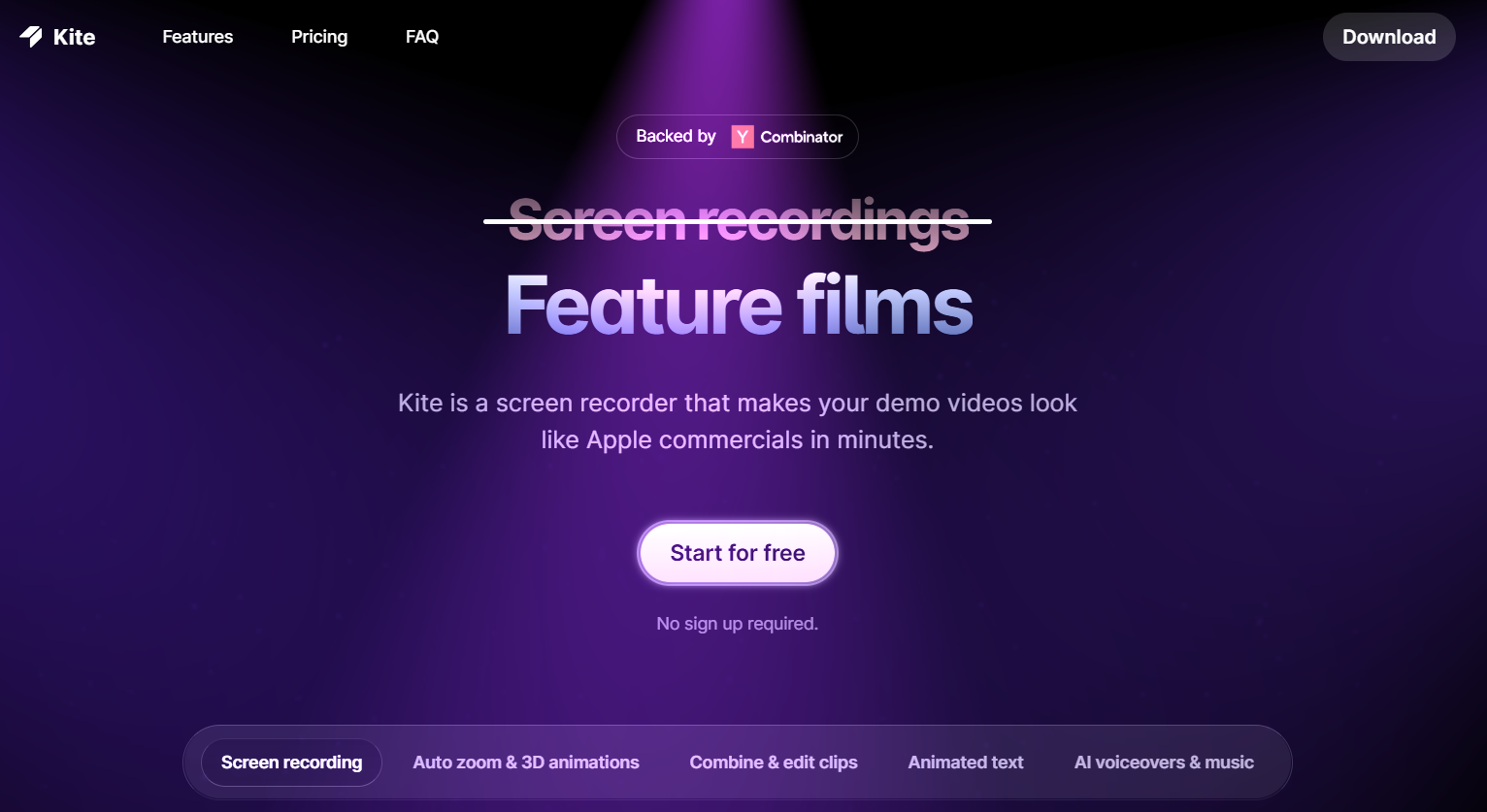
Kite is an AI-enhanced screen recording and video creation tool built for creators, marketers, product teams, and freelancers who want sleek, professional demos without spending days in complex editing software.
The process is simple: you record your app (desktop, web, or iPhone), and Kite automatically detects mouse and keyboard actions, zooms in at the right moments, and applies smooth 3D animations to highlight the most important interactions.
What it does — Key Features
1. Screen Recording Made Simple
Record your app directly on desktop, web, or iPhone. No need for complicated capture setups — just hit record, and Kite tracks your actions with precision.
2. AutoZoom with 3D & 2D Animation
Kite’s standout feature is its cinematic autozoom, where the camera subtly moves and zooms in on key moments. It also offers both 3D and 2D animations, giving your demos that premium, Apple-ad feel.
3. 3D Mockup Displays
Display your recording inside realistic 3D device frames — laptops, iPhones, and more — to instantly make your video look like a professional advertisement.
4. Powerful Editing Tools
Trim clips, adjust playback speed, and merge multiple recordings into one seamless video. The editing process is beginner-friendly yet flexible enough for polished results.
5. Animated Text & Annotations
Add animated text scenes, captions, and annotations alongside your recordings to guide viewers, highlight features, or create call-to-actions.
6. AI Voiceovers
Convert your script into natural-sounding narration with built-in AI text-to-speech. Multiple voices and tones make it easy to match your brand style.
7. Free Music Library & Brand Kit
Enhance your videos with royalty-free music, and use your brand kit to ensure colors, fonts, and logos stay consistent across all your content.
8. Templates for Any Purpose
Prebuilt templates for product launches, social media posts, feature releases, changelog updates, and landing page demos speed up the creative process.
Who Uses Kite?
-
Video Editors — to quickly create polished client videos without spending hours animating in After Effects.
-
Photographers — for showcasing portfolio websites or client galleries in a stylish, interactive way.
-
Freelancers — to deliver high-quality walkthroughs and tutorials to clients.
-
Content Creators — for producing eye-catching social media and YouTube videos.
-
Product Teams & SaaS Founders — to craft marketing videos that stand out in a crowded app marketplace.
Pros and Cons
Pros
-
Cinematic quality in minutes — no complex editing knowledge required.
-
AutoZoom & 3D animations make demos visually engaging and professional.
-
All-in-one toolkit — recording, editing, voiceovers, music, branding, and templates in one platform.
-
Device mockups give instant premium appeal to product showcases.
-
AI voiceovers save time and money on hiring narrators.
Cons
-
Limited advanced editing — not a full replacement for pro-level video editing suites.
-
Learning curve for perfection — while basic use is easy, mastering pacing, branding, and effects takes practice.
-
Export settings may feel limited for users with very specific technical requirements.
Rating Breakdown (Out of 5)
-
Feature Set: 4.6 — Excellent range for its purpose, with standout animations and templates.
-
Ease of Use: 4.7 — Very beginner-friendly, intuitive interface.
-
Output Quality: 4.8 — Visually stunning results that look professionally produced.
-
Performance/Speed: 4.5 — Fast rendering and minimal lag during editing.
-
Value for Money: 4.6 — Combines multiple paid tools into one affordable package.
Overall Score: 4.64 / 5
Conclusion
Kite is a game-changer for anyone who needs professional product videos without a Hollywood-level budget or skillset. By combining screen recording, cinematic autozoom animations, device mockups, editing tools, animated text, and AI voiceovers into one sleek platform, it lets creators focus on storytelling and presentation rather than tedious editing.
For video editors, freelancers, marketers, and SaaS founders, Kite offers a way to elevate your demos to the same league as top-tier tech ads — in a fraction of the time. It’s not a replacement for advanced editing software, but for polished, high-impact videos created quickly, it’s one of the most efficient tools available in 2025.